SHABBA Visualizer

Visuals that follow
the track.
To the beat.

An audio visualizer for DJs and music videos. Play live with rekordbox, Ableton or a mic, or drop in a track and the Director plans the video.

Behind this pageQuasicrystal

One tab. The whole studio.

Listen, plan, perform and export in one place. These are real screens from the app.

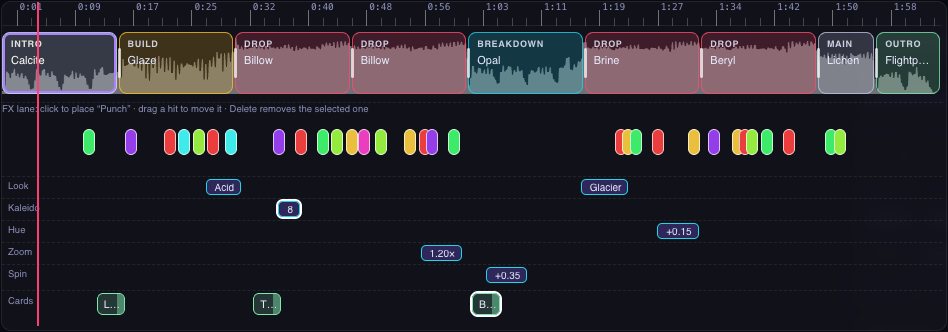
  1. Director timeline

    Drop in a track and it plans the video: a scene and its effects for every section, on the track’s own bars.

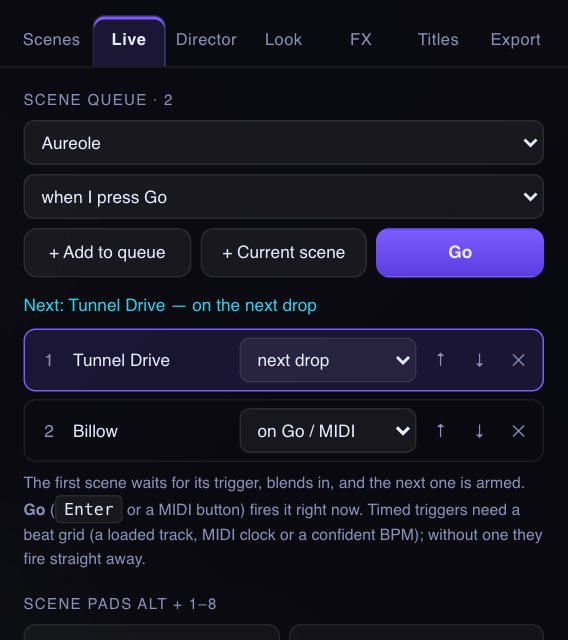
  2. Live

    Play along with rekordbox, Ableton or a mic. The visuals lock to the beat as you mix.

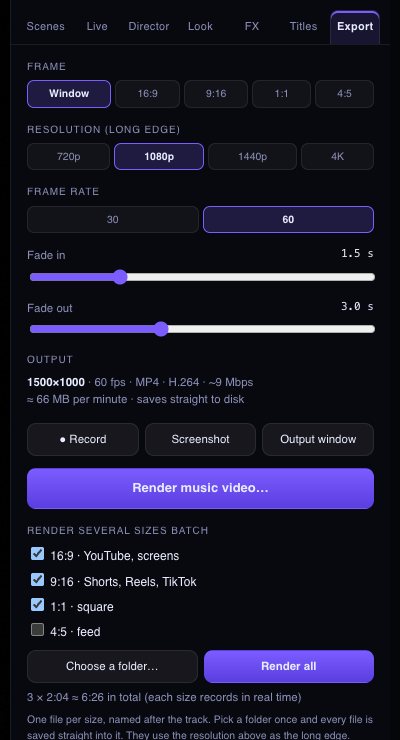
  3. Export

    Render the music video in any shape, from a square post to a 4K screen.

  4. Scenes

    418 scenes across 8 engines, blended into each other 8 different ways.

The Director timeline in the Visualizer The Live view in the Visualizer The Export panel in the Visualizer The Scenes browser in the Visualizer

Hear it, then open it.

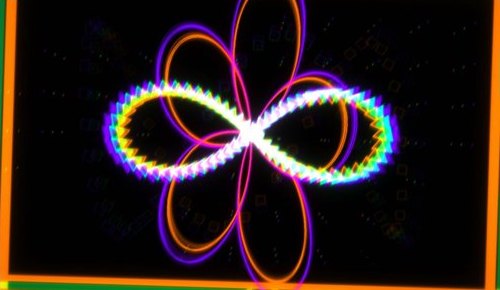
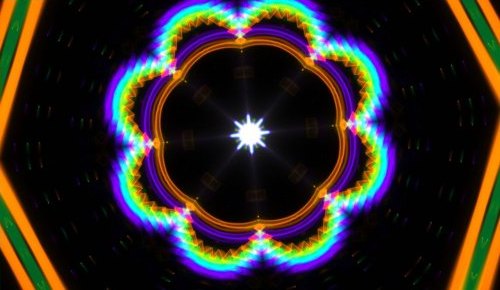
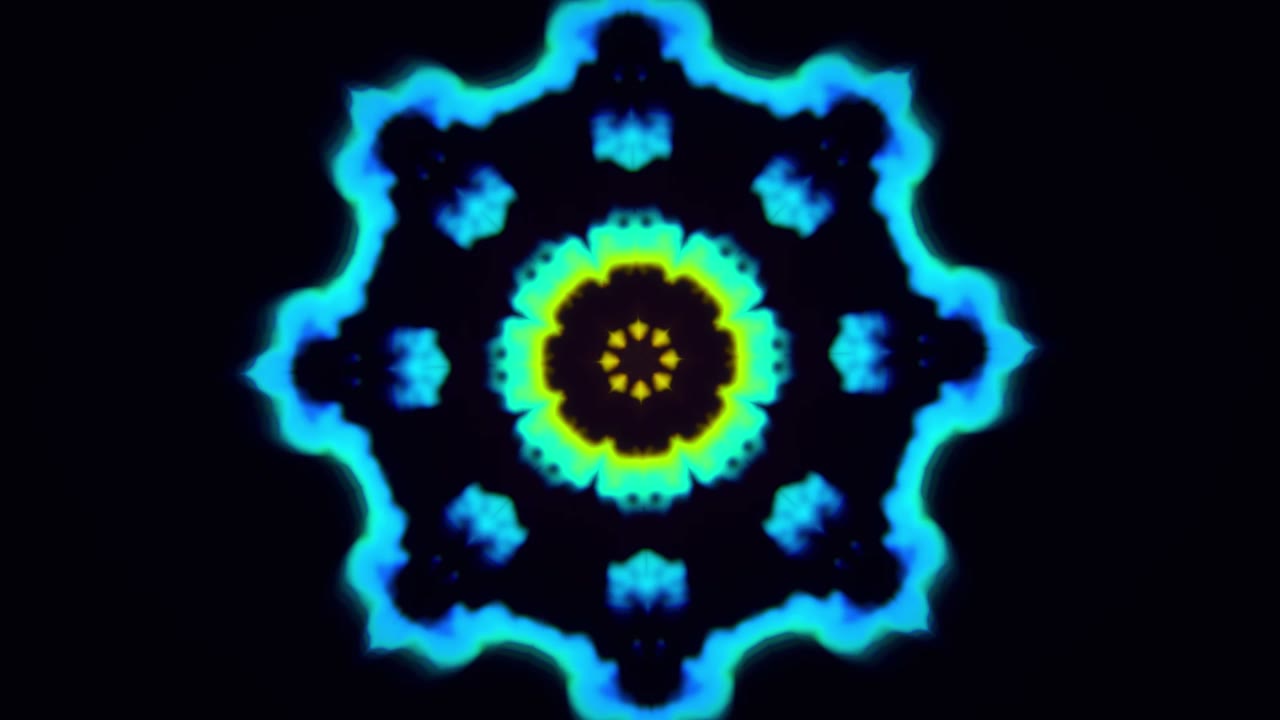
A real render from the studio: kaleidoscope, a flash and punch on the drop, a zoom on every kick. The track is SHABBA, Lysergic Therapy.

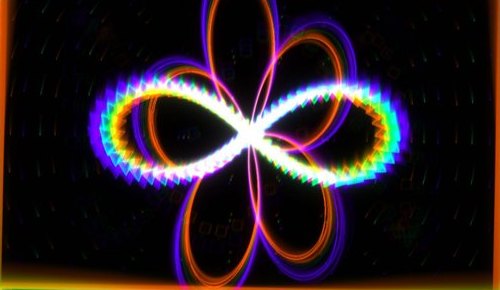
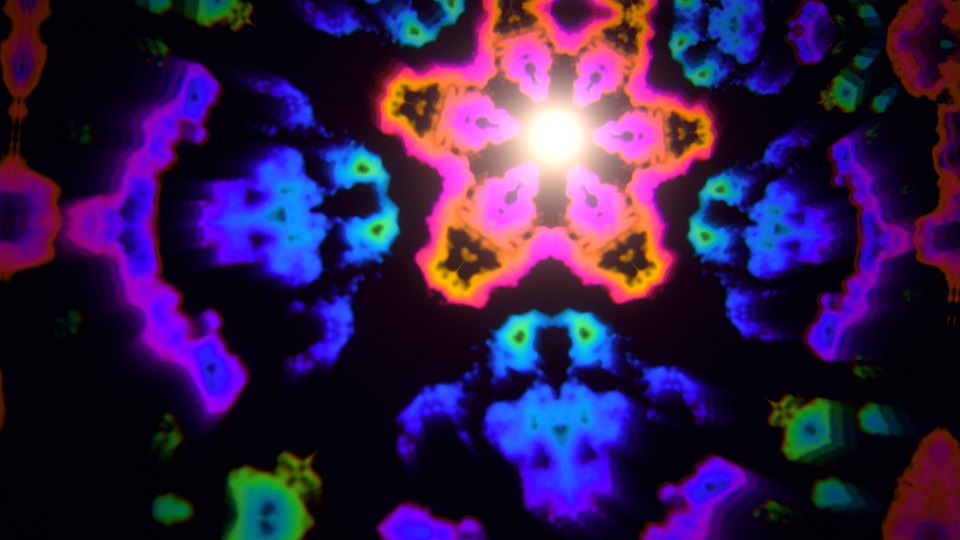
Kaleidoscope

8-fold, from the first bar

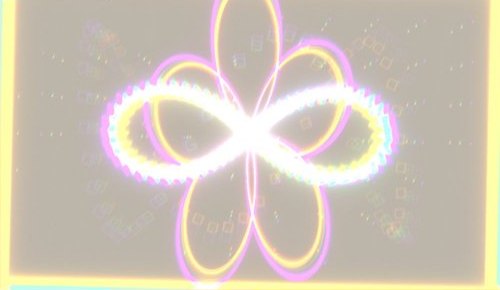
Flash and punch

Together on the drop

Zoom on the kick

Every kick pushes in

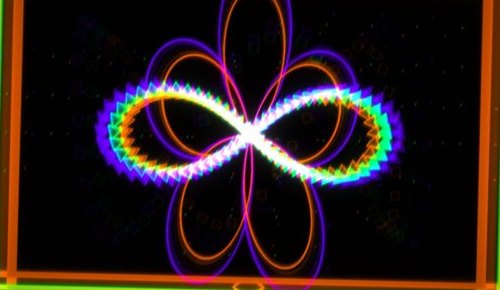
Scene blend

Melts into the next scene at the drop

Open the studioThen drop in your own track

Effects that land with the drums.

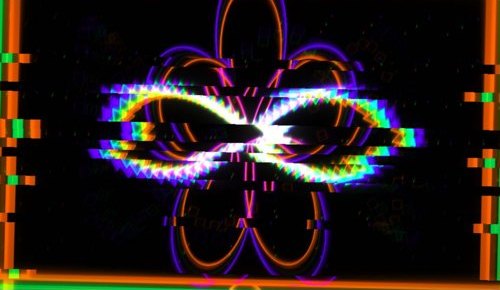
Punch, flash, glitch, RGB split and more, on the beat grid. Quiet in the intro, busy at the drop. Place your own on the timeline.

PunchFlashGlitchRGB split PixelateInvertShakeKaleido

Point at a pad to fire it on the scene behind this page. With the sound on, it lands on the kicks.

418Scenes
8Engines
8Blend styles
4KVideo out

And a lot more underneath.

A full instrument, not a screensaver. Every control, grouped the way you reach for it.

ListenHear everything

  • Six inputs: system audio, browser tab, interface or loopback, Ableton, mic, file
  • Input gain up to 8×, with a live meter
  • Noise gate, floor and ceiling, bass cut and a one-click calibrate
  • Band emphasis: Flat, Bass or Air
3 more
  • Drop sensitivity: Low, Med or High
  • Beat lock with BPM, or follow MIDI clock
  • Fade to black on silence and at track end, or never
The studio listening to a track

ScenesA library you curate

  • 418 scenes across eight engines: MilkDrop, GLSL, Scope, Particles, Living Ink, Light Loom, Fractal Bloom and Prism 3D
  • Hyperreal scenes: oil on water, sun on the sea, a glass orb, silk ribbons and point-cloud landscapes
  • Search, keep and bin
  • Triage mode: scenes play one by one, B keeps and X bins
  • Tags, named collections, thumbnails and a grid view
4 more
  • Your own pictures and clips become scenes, with nine image treatments
  • Classic spectrum and waveform scenes for streams and podcasts
  • Paste your own Shadertoy shaders
  • The Lab makes new scenes for you
A strip of scenes from the library

LookGrade it like film

  • Nine colour looks that fade in, never snap
  • Bloom, hue, exposure, contrast, saturation, vignette, film grain, chromatic edge
  • Right-click any slider to make it follow the kick, bass or beat, or a MIDI knob
  • Effects rack: 13 stackable effects, 18 palettes and 8 backdrops, plus a second scene as a layer
4 more
  • Save a look, glide between looks and share it as a code or a link
  • Evolve: slow drift, breathing zoom and rotation on the bar grid
  • Kaleidoscope from 3 to 16 segments, or Auto, with spin
  • Eight blend styles plus Mixed, 0.4 to 8 seconds
A kaleidoscope look

FXEffects that react

  • Kicks punch and split colour, snares flash, hats glitch, the camera shakes
  • Set the strength of each
  • Drop FX and build tension
  • Eight trigger pads: punch, flash, glitch, RGB split, pixelate, invert, shake, kaleido
1 more
  • Safe mode removes flashing, strobing, glitching and invert
A punch on the kick

DirectorPlans the whole track

  • Reads tempo, beat grid, sections and drops
  • Style: Calm, Balanced or Wild
  • Pick scenes from favourites, all presets, GPU scenes, a collection or everything
  • FX hits: Off, Light, Medium or Heavy, with the effects you allow
2 more
  • Re-roll the plan, shuffle only the FX, save and load plans
  • Timeline editor: pick scenes from pictures, add effects, looks, zoom and text at the playhead, undo and saved versions
The Director timeline

LiveRun a set

  • Scene queue fires on the next beat, bar or drop, or on Go
  • Eight scene pads and FX pads (Tap, Hold or Latch), quantised to the beat
  • Two-screen output with a next-scene preview
  • Bind any button or any slider to a MIDI controller
2 more
  • Corner-pin projection mapping with a soft edge, for the output window
  • Check my setup tests graphics, audio, MIDI and recording before a gig
The Live panel

Performance takePlay it, then keep it

  • Record your scene and FX moves while the track plays
  • Apply it to the timeline: changes snap to bars, hits to beats
  • Edit it, undo in one step, render it as a music video
A flash on the snare

Titles and cardsNames, logos and lyrics

  • Title card with Fade, Rise, Pop or Glitch, in three positions
  • Add your logo or an image
  • Lyric cards from .lrc and .srt files, placed on the timeline
  • Off by default, and only in recordings if you turn it on
A glitch title

ExportOut in any shape

  • 16:9, 9:16, 1:1 and 4:5, from 720p to 4K at 30 or 60 fps
  • Batch render several sizes in one queue to a folder
  • Fade in and out, with exact size and disk use shown first
  • Visuals only: no controls, titles or logo in the file
1 more
  • Screenshots, and a clean output window for a second display
Batch render settings

You make the sound.

For people who play, produce, perform and post music.

DJs

rekordbox, Ableton or a mic in. Scene queue, pads, two screens. No wifi needed.

Producers

Hear the track as a video. The Director finds the drops and plans it.

VJs

418 scenes, 8 blend styles, FX pads and MIDI. Any scene into any other.

Video makers

Timeline, FX hits, camera lanes, title and lyric cards.

Clip creators

Vertical, square or wide from one track. Queue every size and post.

Free to play. Pro to make.

Free runs in your browser with 25 scenes across seven of the eight engines. Pro opens the whole studio: the Director, Live, export and your own media.

Free

$0in your browser, no account

  • 25 hand-picked scenes, across 7 engines
  • Reacts to any sound: system audio, a browser tab, a mic or a file
  • Beat-reactive FX and the 8 trigger pads
  • Colour looks, kaleidoscope and all 8 blend styles
  • Full screen, visuals only
  • Personal use
Open the studio

Pro

Soonprice announced to the waitlist first

  • Everything in Free, plus all 418 scenes
  • The Director: plans a whole video for your track, with the timeline editor
  • Live: scene queue, two-screen output, MIDI and projection mapping
  • Export: 720p to 4K, every shape, batch render
  • Your own pictures, clips, logos and lyric cards
  • The Lab, which makes new scenes for you
  • Commercial licence for gigs and client work
Join the waitlist

Join the Pro waitlist.

One email when Pro opens, with the price and the date. Nothing else.

No spam. Unsubscribe any time.

Short answers.

What do I need to run it?

A modern browser and a decent GPU. Use Chrome. Capturing rekordbox’s system audio needs Chrome 141+ on macOS 14.2+. Ableton connects through a loopback device such as BlackHole; it can’t load inside Live as a plugin.

Can I play a gig with it?

Yes. Press V for a clean visuals-only picture, or open the output on a second screen. Download the single file first if the venue has no wifi.

Is there AI in it?

No image generators. The Director reads your track’s tempo, beats, sections and drops, then plans scenes and effects. Every scene was written for Shabba.

Can I use it for client work?

Free is for personal use. Pro includes a commercial licence for gigs, client videos and monetised channels.

What can I export?

Export is part of Pro: MP4 in 16:9, 9:16, 1:1 and 4:5, from 720p to 4K. Batch render makes one file per size.

Why does a render take as long as the song?

It records in real time, so a four-minute song takes four minutes. Keep the tab visible, or use the output window on a second screen.

Open a tab.
Drop in a track.

Open the studio, it’s freeFree to start · No account · Runs in your browser
SHABBA

© 2026 Shabba · visualizer.shabbamusic.com